Style Transfer guied

Using the template that Snapchat provides.
there are a few things you have to change.
i will start with pictures Guied ...
1 - download the firtz al lens studio project
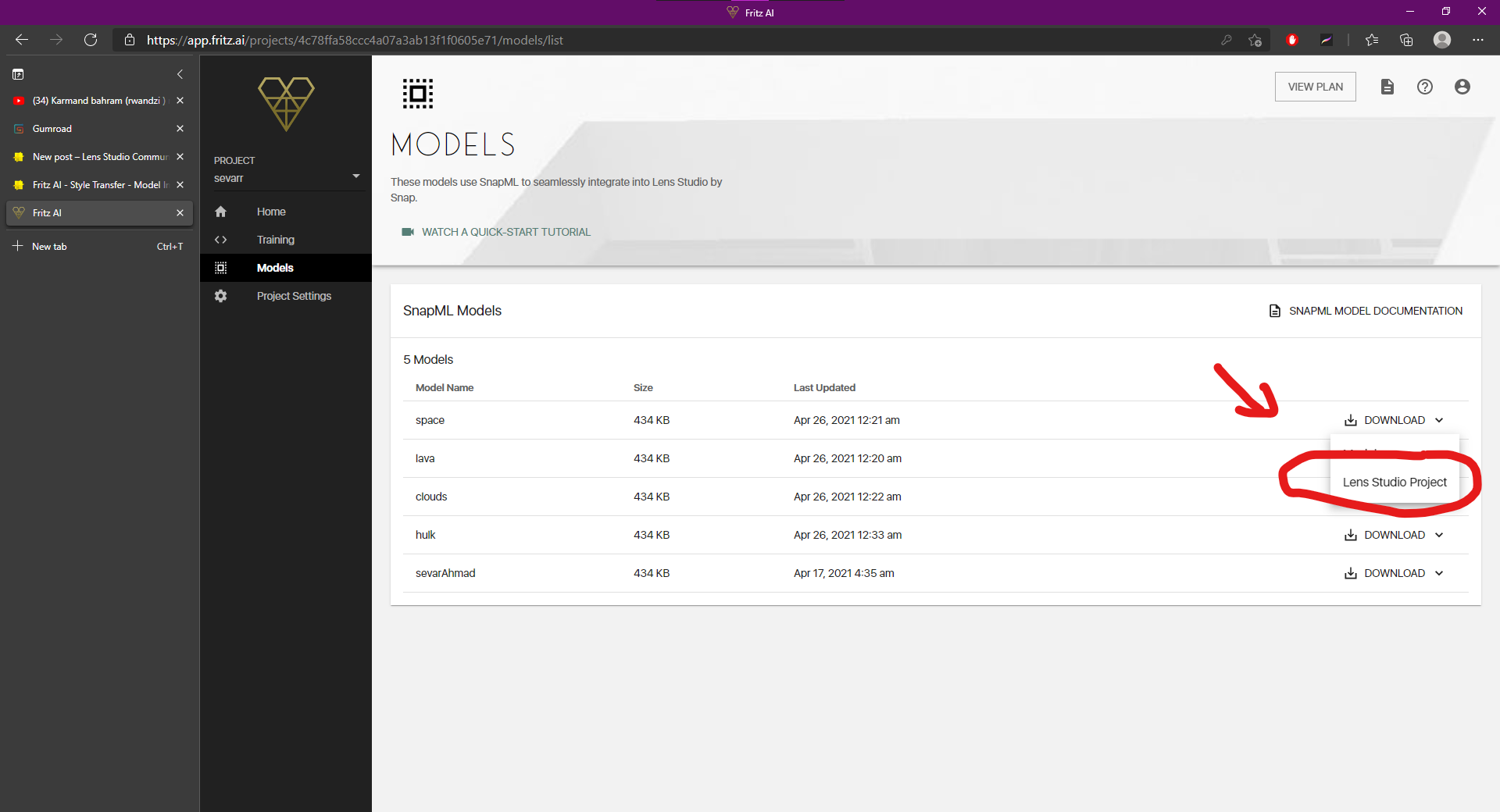
2 - unzip and open the template that fritz provide
3 - then select ML Component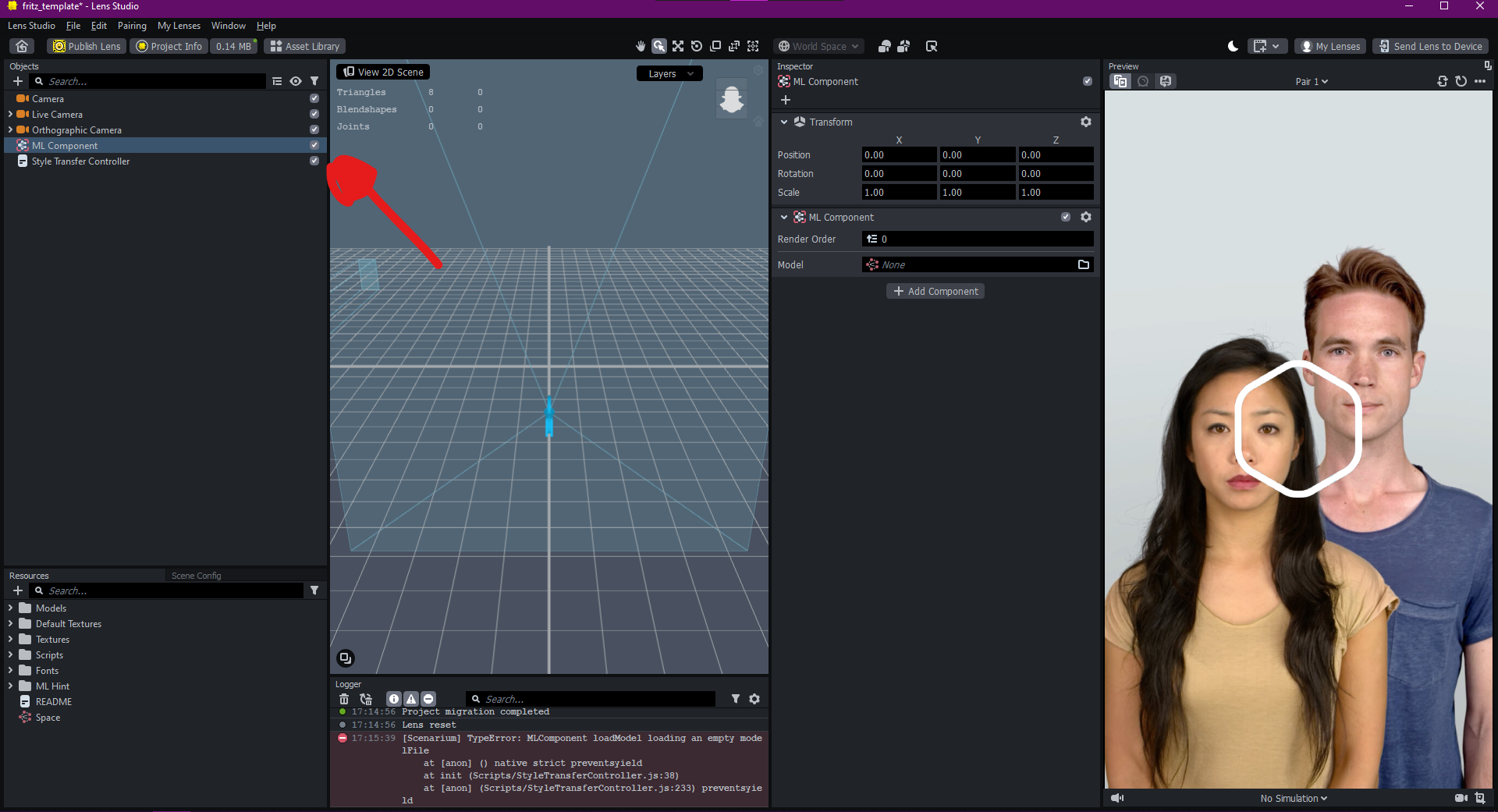
4- tap on model ( in inspector panel)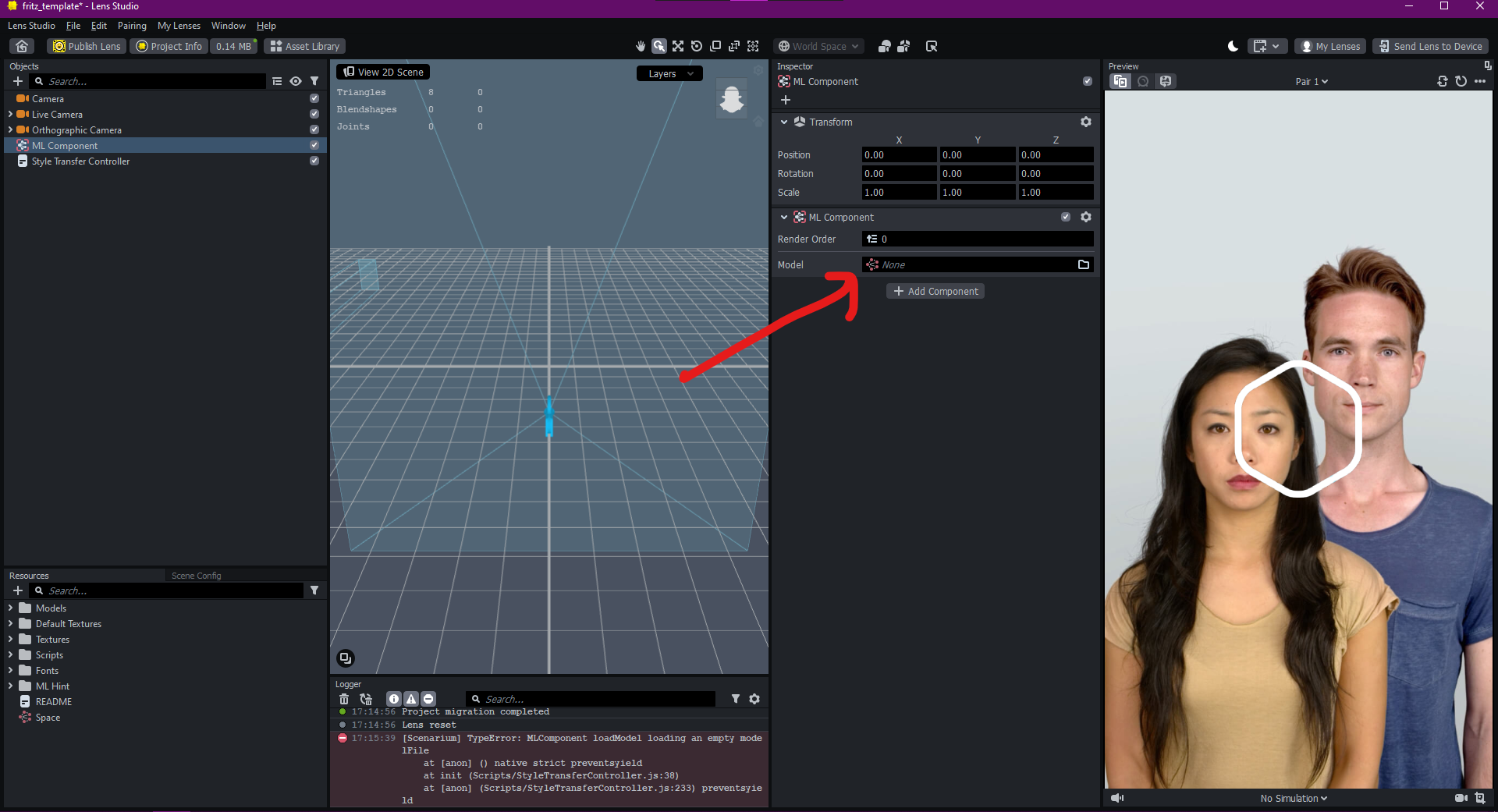
5- select your model and click ok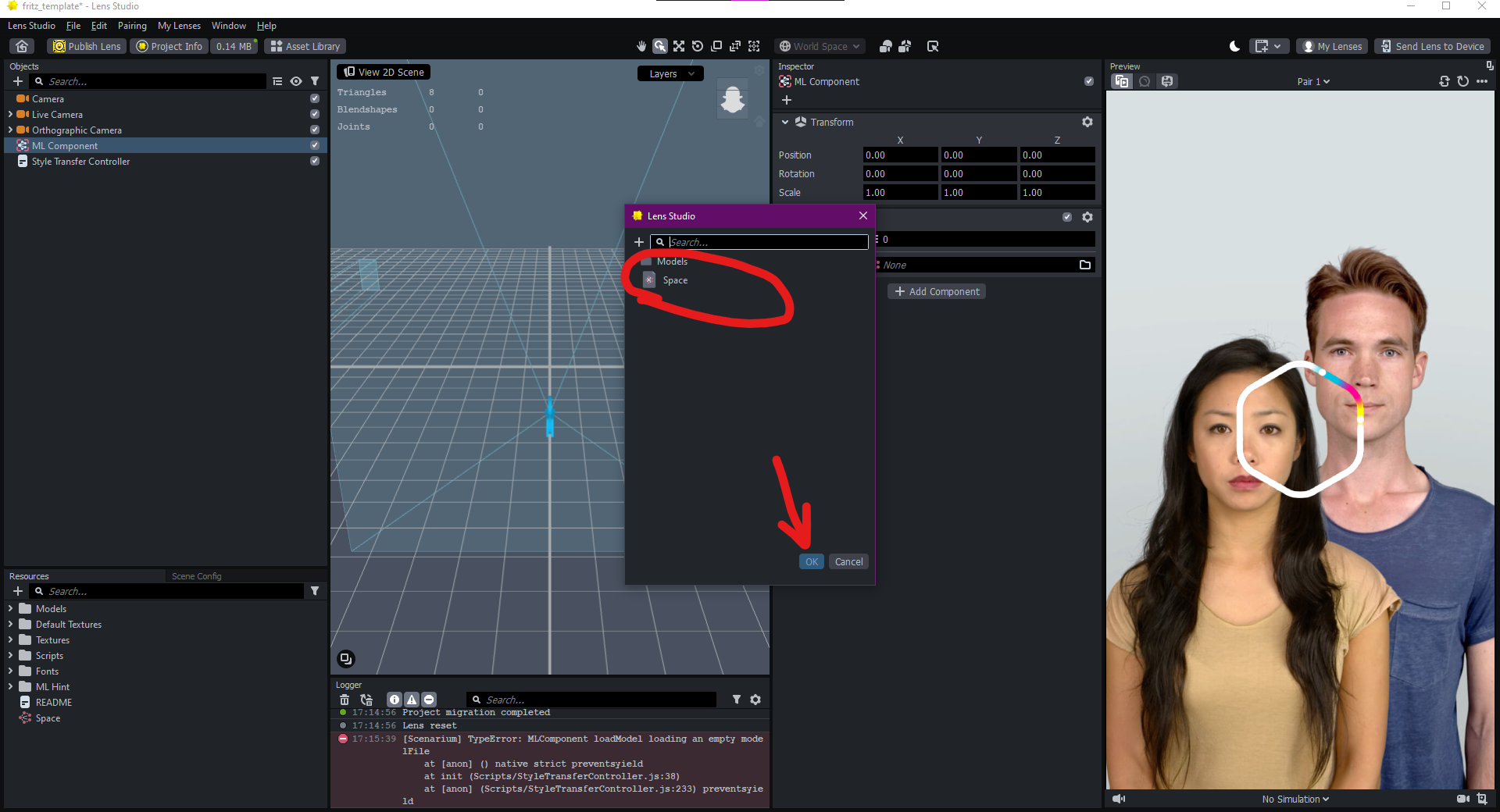
6-after importing your model tap on texture in input panel 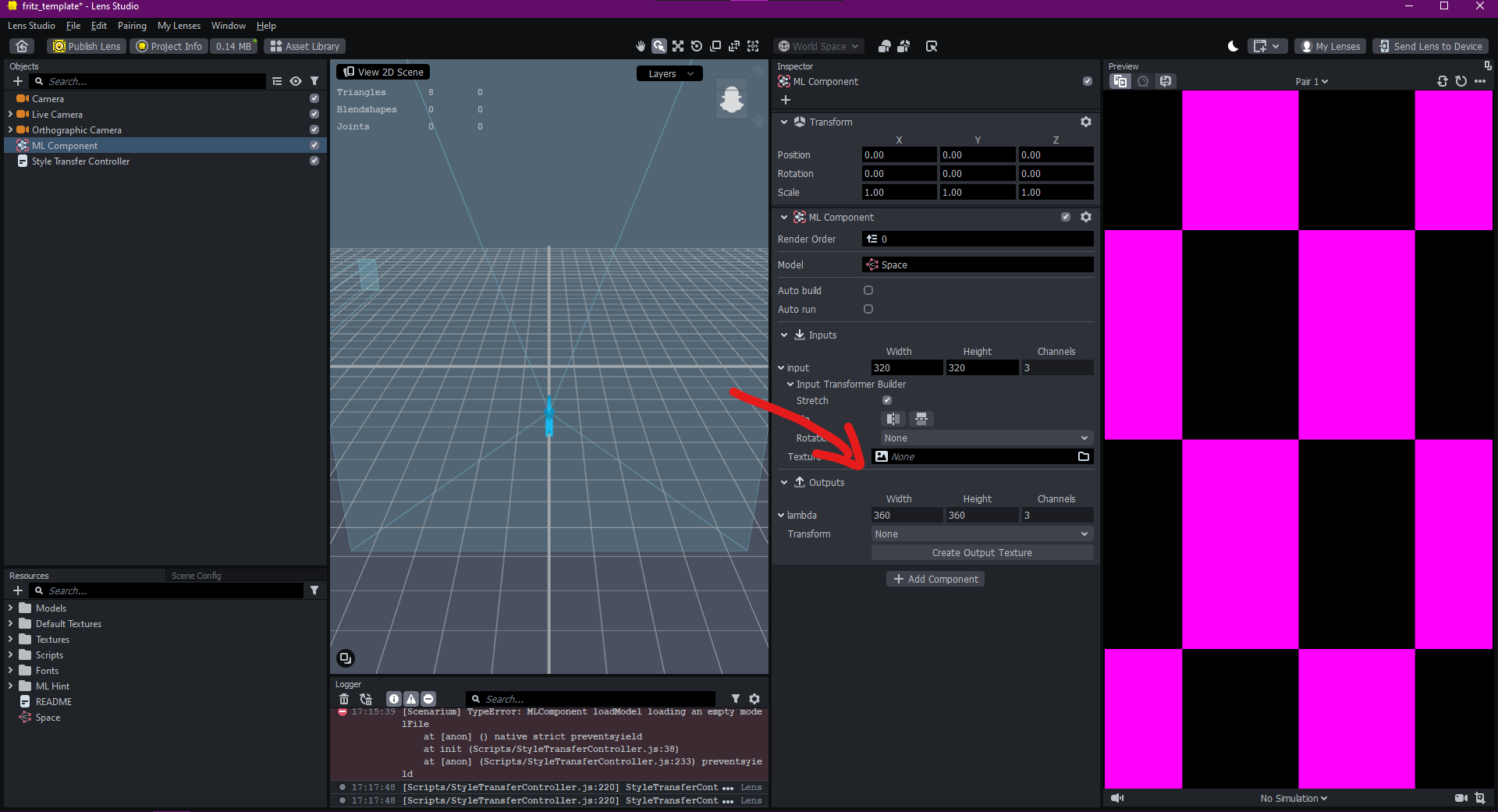
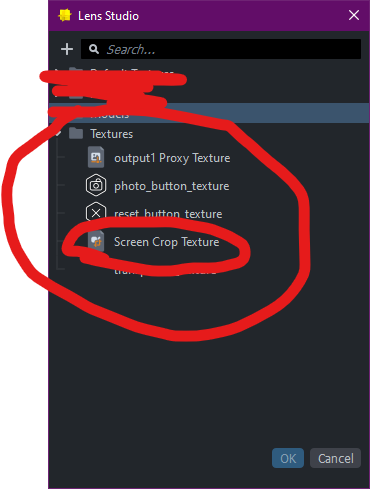
7 - select screen crop texture (in textures folder "resources)
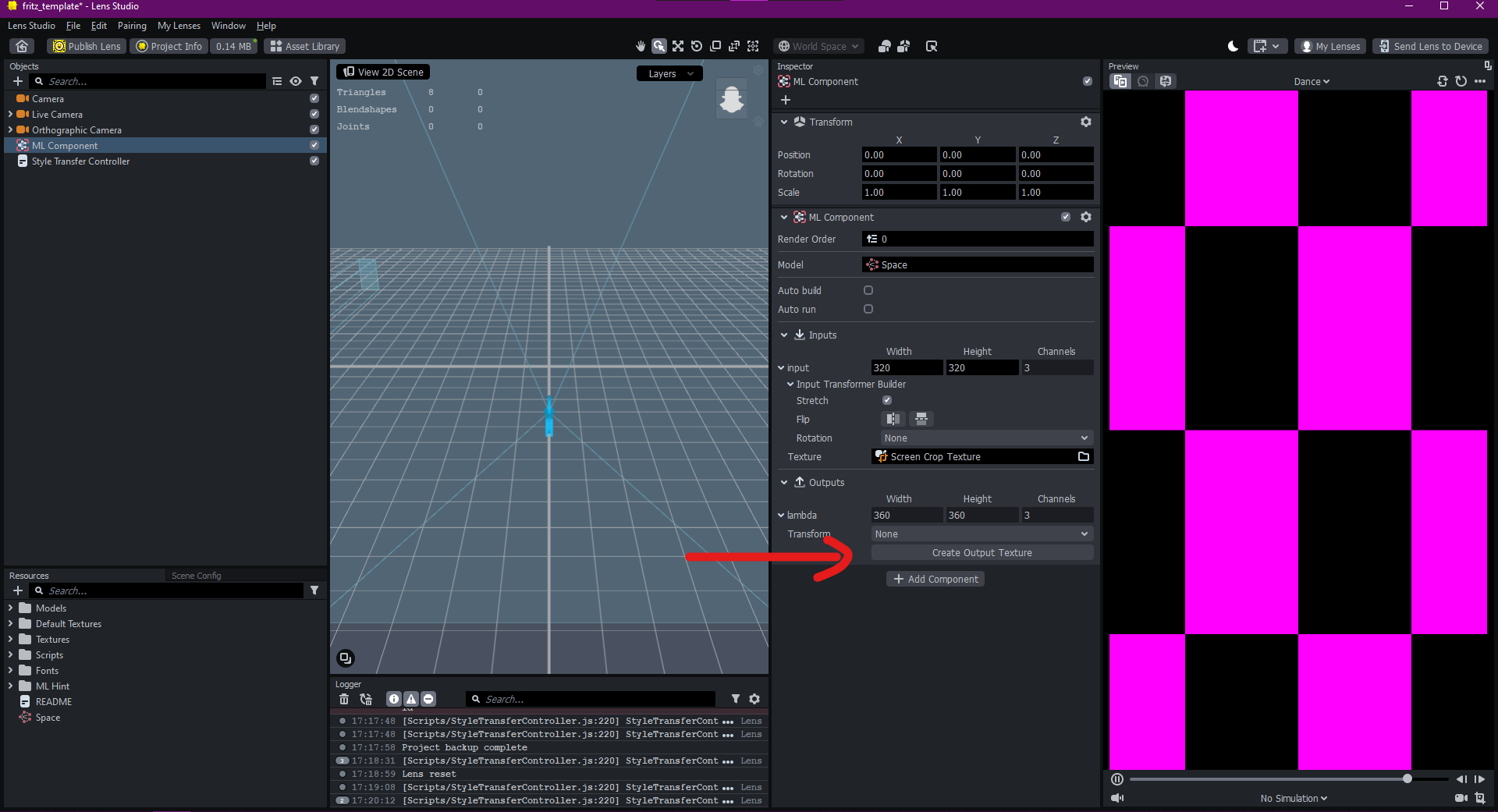
8- click on create output texture (inspector panel -outputs )
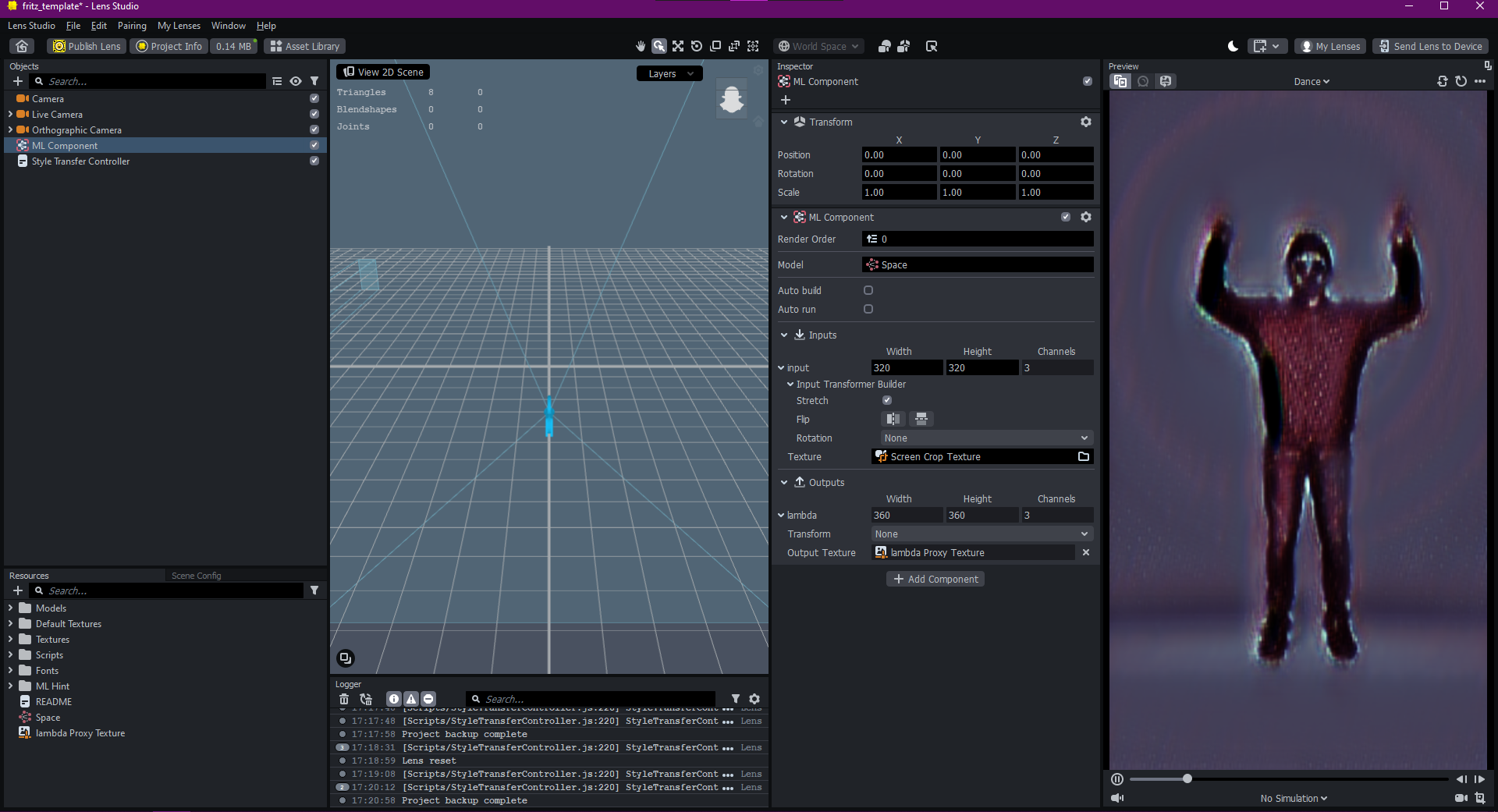
and now u will see your model working just fine :)
best of luck !
s1v4r :).

k540076 FADI MATURY
oh thank U for tutorial is working now 😍👍👍
Yea that's how you do it for Fritz AI template. But with Google colab it works fine🔥
karanpadhiar21