Tween start frame incorrect

Hi there!
I've recently started trying to add tween animations to my project.
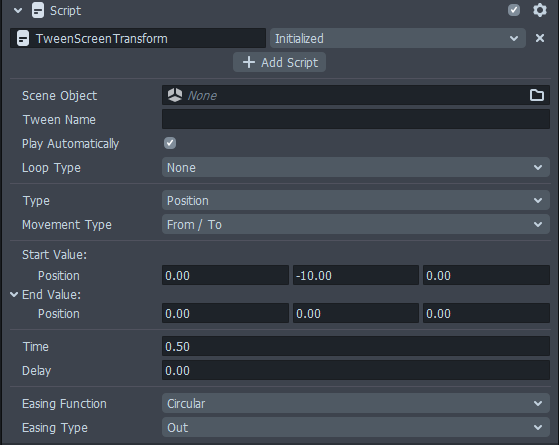
I'm using TweenScreenTransform and Initialized, so the animation plays as the UI panel is enabled.
Problem is, for 1 frame you can see the panel in it's original position before the tween starts.
Does anyone know a work around for this issue? Thank you for your time.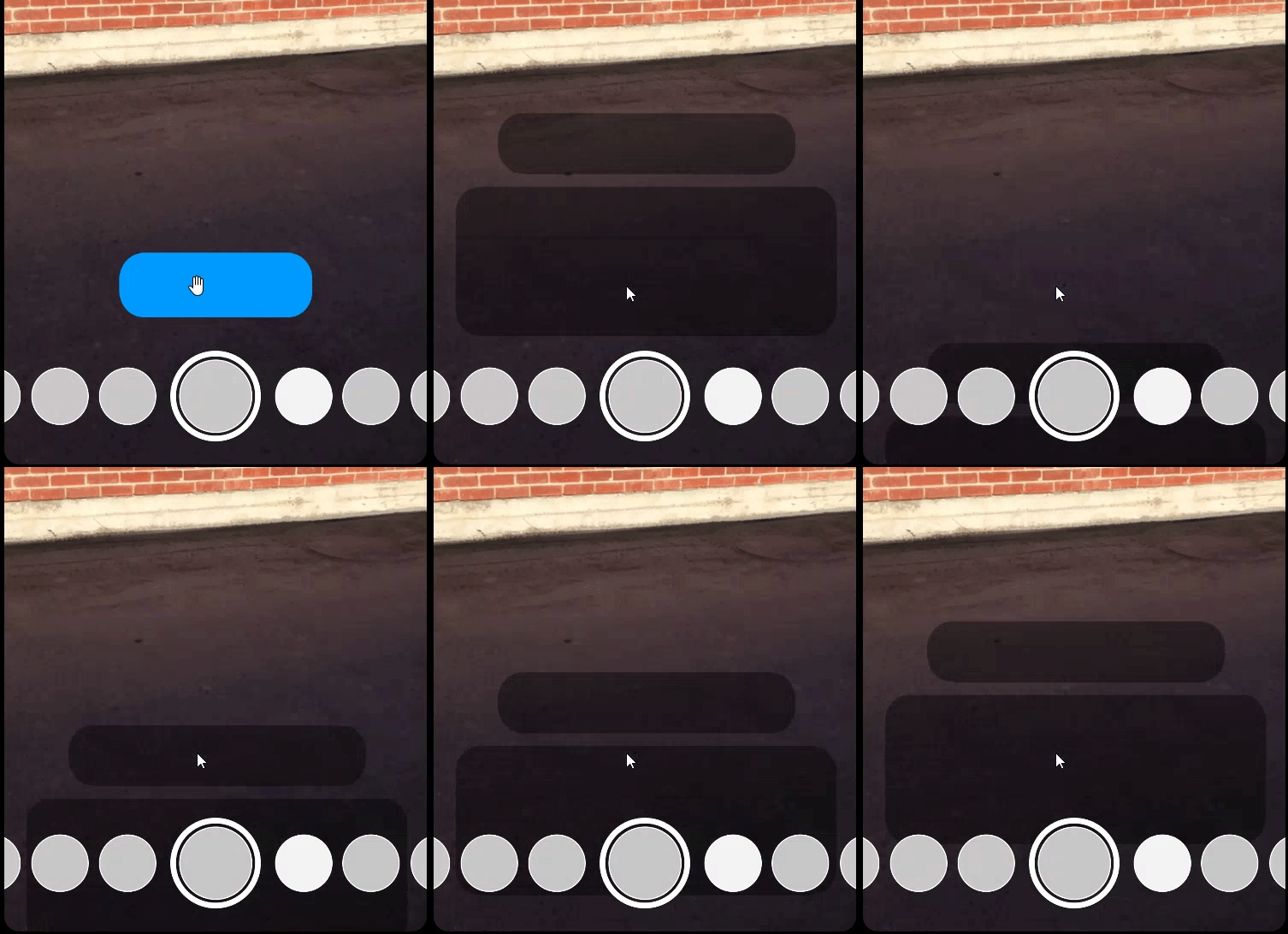

Looks like a glitch but my guess is that it's already enabled so it shows on the screen then the transformation starts so basically uncheck it from the scene so it's not visible and then when you click the button it activates without showing where is at currently.
I'm not really good at explaining it, but it's just a guess. Can I have a screenshot of the full project?
Hi PWA!
In order for your tween to run after an object has been enabled, the safest way is to use a script to call the tween after enabling the object. Initialize technically isn't called right after object gets turned on so that might be an issue.
Technically it should work with a custom script where you'd enable the object and then call its tween to run it, but right now we have a bug where calling tween immediately after enabling object would not work, so you'd have to give it a small delay (usually 0.1 second would work)
So here's an example script on how to get that to work:
In this script it is set to run when you tap screen, but feel free to replace event with anything else, or call the function anywhere else.
And in the inspector, put in your tween Object and input your tween name. Then make sure your tween is not set to PlayAutomatically and has the same TweenName as the one in the script.
We're aware of this issue and hopefully we'll have an easier time enabling/tweening at the same time in future updates of Lens Studio. In the mean time we kinda have to work around it (:3)
Hope this could be of help!