Removed for copyright (mistake?)

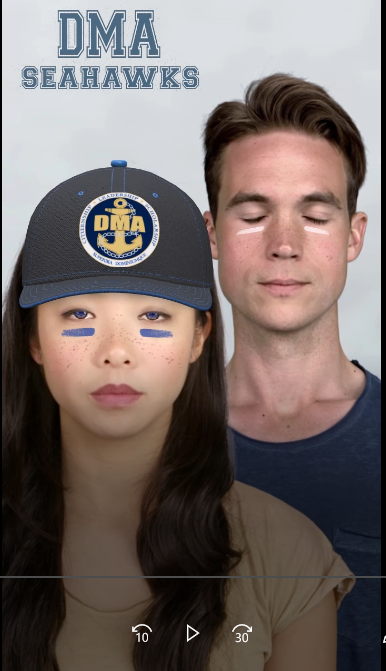 Recently two of my lenses got rejected one for crude humor which I understand, but the other one confused me. A while back I got requests to make lenses for the schools in my area and they were a big hit. But I just realized that one got rejected "This submission contains trademarks, products or brand imagery owned by Snap Inc."
I'm not sure why this happened maybe there was a little confusion. The issue doesn't really bother me that much but I was wondering if there was a way to get it un rejected.
I will attach the preview for the lens.
If anyone could help me out with this that would be great, thanks.

Hi nolan_742,
We can help you identify the issue once we take another look at the complete Lens details. Please look out for an email from Zendesk where I will ask you for the Lens name and ID.
Cheers,
Neha
Thanks for the help, will do.
@...
Hello,
I had a lens on snapchat that was in review for a very long time. It is now back up and it is renamed 'hh' and is a completely empty filter. I worked very hard on this filter please help me get it back.
lens ID: 3695d59d-b289-4c33-a8b0-766fd49badf1
This is what it looks like now (below)
This is what it looked like before (below)
I think you need to understand about copywrites process of lens studio you can learn about it from here and then make lenses carefully.