image on full screen after a button being pressed?

Hello there!
I'm fairly new to the lense community and am therefore kinda clueless what to do next.
Im trying to let a picture (below "Screen Image 0") take over the whole screen, after the user pressed one of the three buttons (always a different picture!). But for some reason nothing happenes, when I press the third button (the only one I prepared and supplied with a picture so far so far).
On the left side you can see the file and script arrangement (I'm pretty sure I did something wrong here, maybe the touch target?) and on the right side of the 3D Scene you can see the Behavior script for the third button.
Please feel free to ask for more information since I'm pretty sure that I didn't include everything necessary in order for you to help me :)
I hope you have a good day and a great start into the upcoming week :)
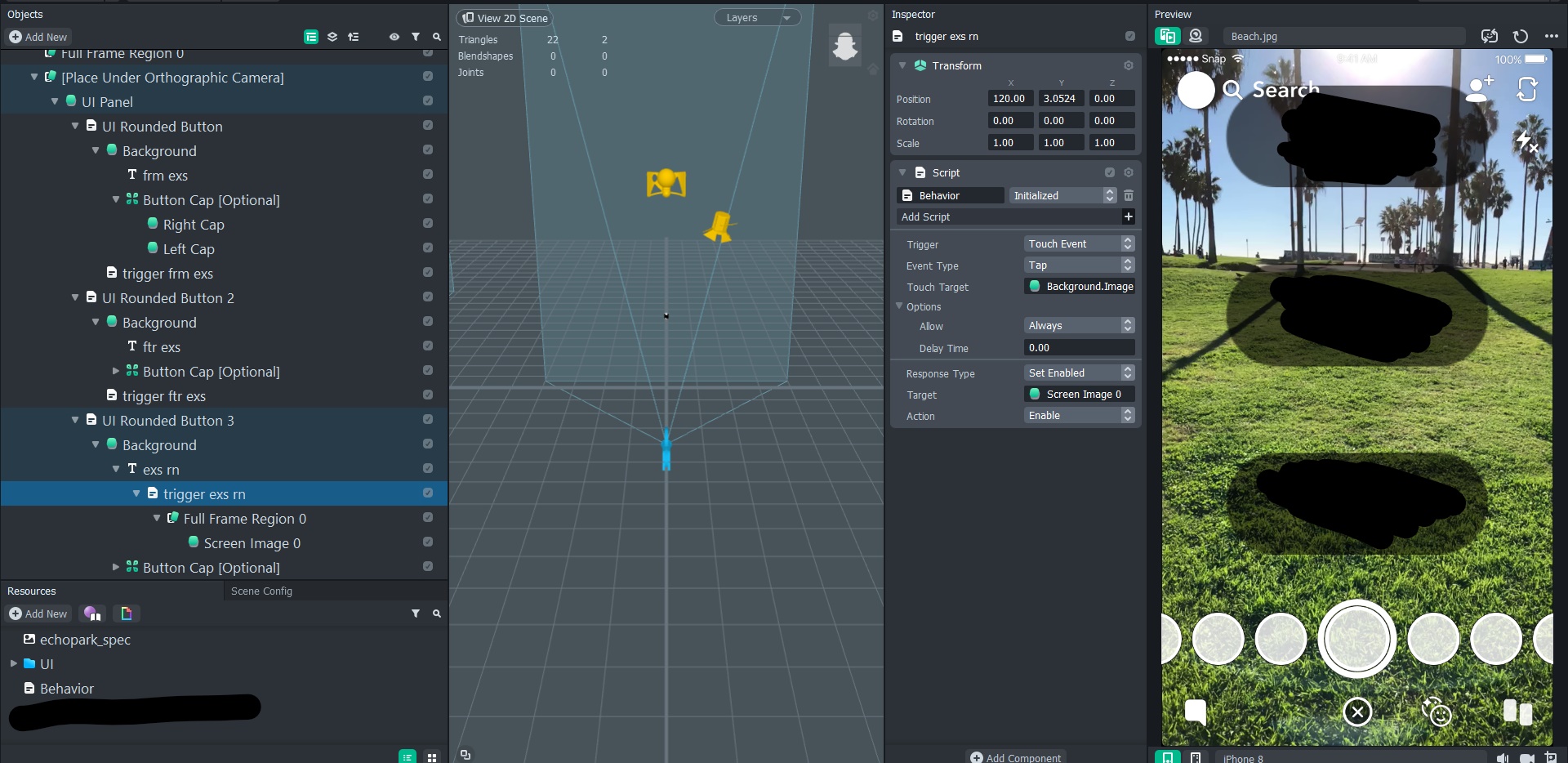

I would suggest add the Behavior Script to the UI Rounded Button 3. There you have an option of what to do if the button is pressed. More info here: https://lensstudio.snapchat.com/guides/scripting/helper-scripts/user-interface/ . If you need any help let me know!
Hey there,
First of all, thanks a lot for your help haxhi-bekaj, I got it all set up and ready to run except one thing.
Could you maybe tell me how I can make sure the picture/s is/are invisible before the buttons are tapped? Right now the Lens starts with the picture (Still Button 3) instead of the buttons.
Thanks again and I hope you can help me with this little issue as well :)
Just disable the object in the objects panel!
for example:
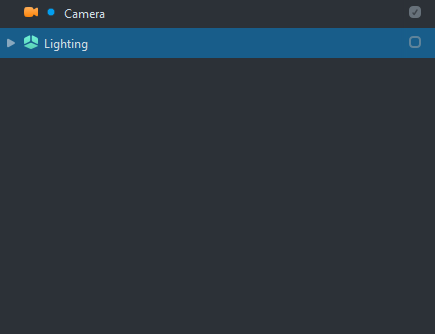
Also quick tip! The preview panel to the right of lens studio allows you to interact with the buttons so if you can see how the lens works without pushing it to your phone. You probably knew this but just in case, haha.
It works, thank you very much :)