Explain This Snap Team!

So Snapchat says:
" Thanks for your interest in becoming an OLC! We are looking for creators who are actively supporting the community by participating in the forums and showcasing professional-level expertise in one or more of the following areas in their AR Lens Experiences:
- SnapML
- Interactive Programming
- 3D Modeling/ Animation
- Technical Art
- Fine Art/ Illustration
- Graphic Design
If you feel you match the above description, we encourage you to share your personal websites, portfolios, and Lens work showcasing the above abilities with the creator community in the Share Your Creations section of the forum. We’re on the lookout for the most talented, impactful and supportive creators, so we’ll reach out to you to learn more about your goals and how the OLC program can help you. "
SnapML and Graphic Design and all of those stuff right? Seems cool to be an OLC. Now I have seen many accounts that fulfil those requirements and got verified, complete story. Now I have seen something many times which is kinda weird for me. I see many accounts with literally NOTHING good on their lenses page but I tell myself maybe they got verified like old enough before those new requirements were set but now I saw an account which got verified like 14 hours ago maybe and it has 18 lenses as following: 11 stickers lenses, 6 beauty lenses, and one of that shining stars lens. I guess 14 hours ago should meet those new criteria right? The user is also not famous so they get verified under the Snap Star process. ( @melody33290 ). Can anyone explain this? Why this kind of accounts get verified and other doesn't??!!! This is one of many. I hope Snap Team explains those kind of verification stories this for me because many accounts have that same story of kinda-blank accounts with a golden star and Lens Creator title on it.
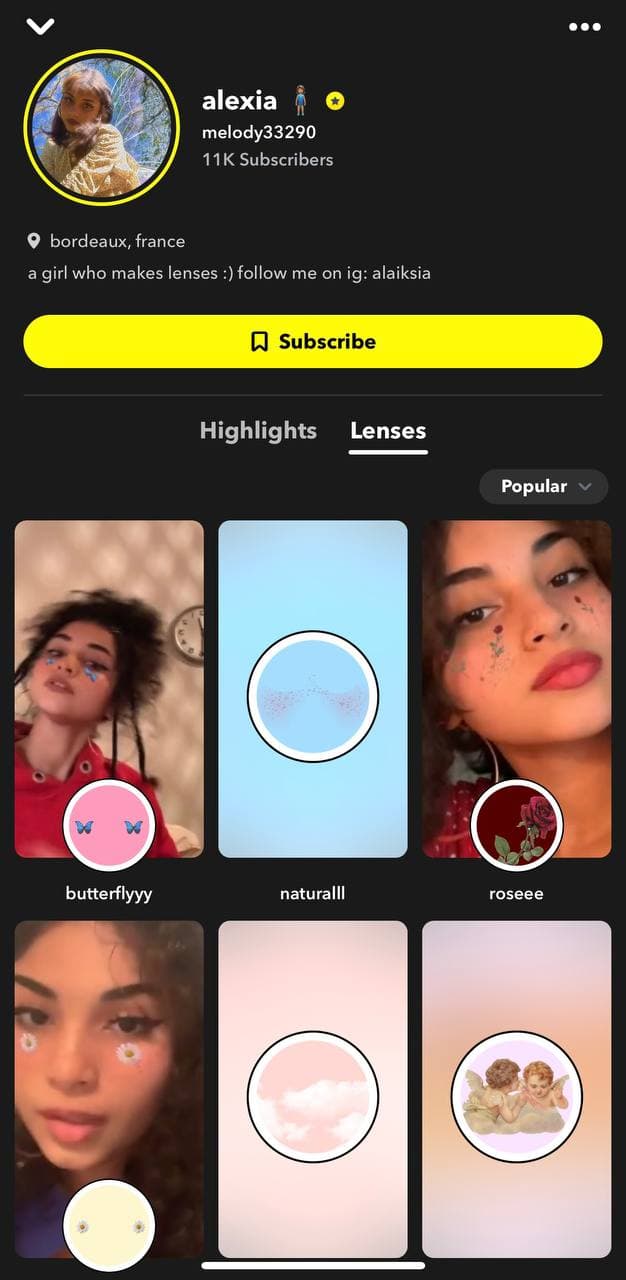
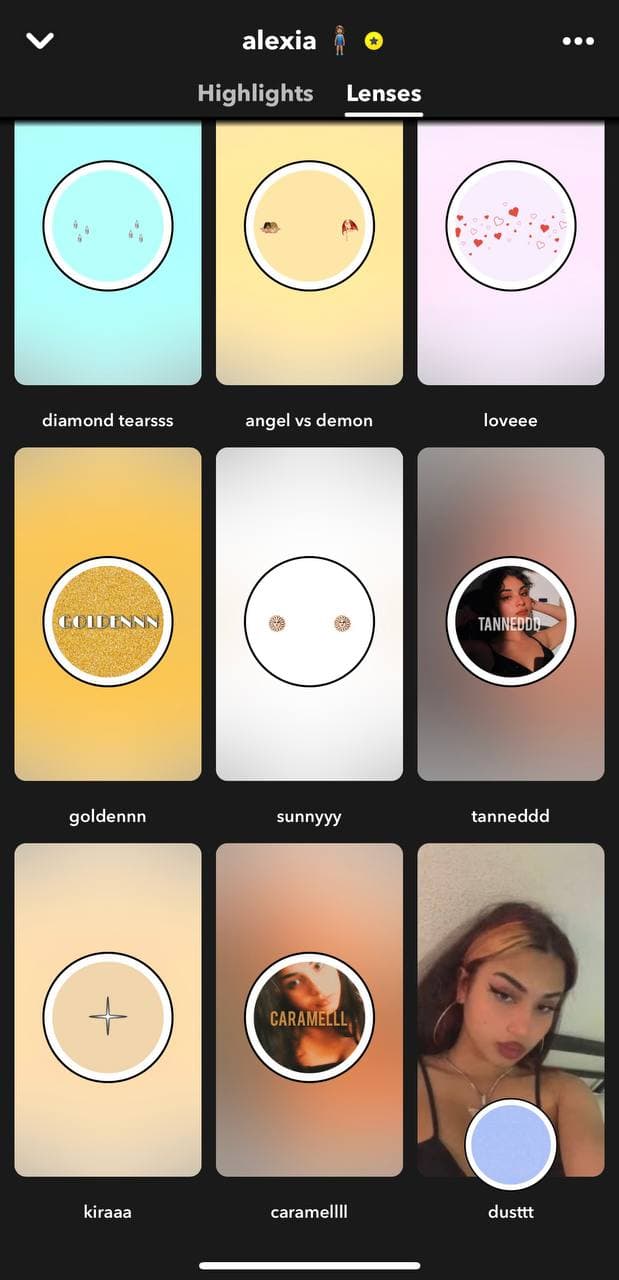
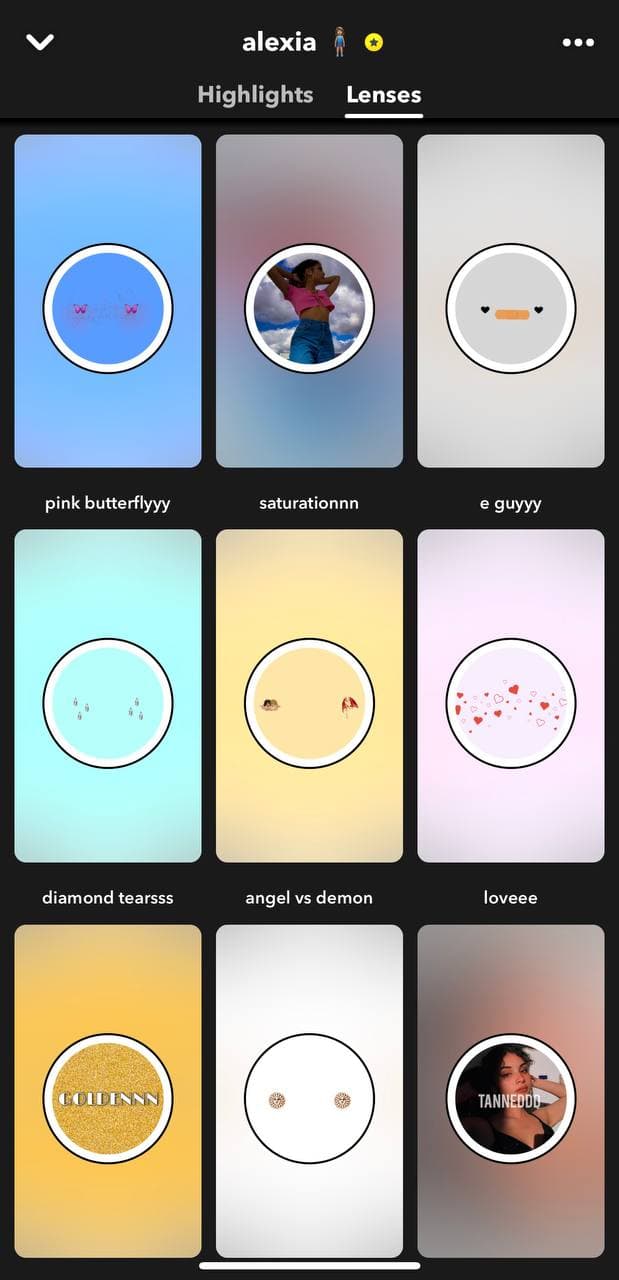

WELL, first of all, Alexia is very respected in the community. it's not about the number of subs you have, a lot of the time it's about the positive impact that you have made. Alexia has a lens on 18 billion views at this moment I believe, she been making lenses for a long time and the Team found her a good fit to be in the program.
To say that there is nothing good on their profiles is only your feeling, not the feeling of others.
Hi, I know i’m super late, but this is me. I’m Alexia :) First of all, yes i know this is just « stickers », that’s not a news, everyone know this. Why I became an OLC? I don’t know, I didn’t even wanted this. They emailed me to be apart of the program and I accepted for fun :) If you don’t like my lenses, just scroll and mind your business,. I think I am one because my lens « butterflyyy » has 24 BILLIONS of views and 7 BILLIONS of play, I didn’t ask or control that. Ik my lenses are very basics, but there’s always a reason of why they wanted me. Have a good day :)
Hi Alexia, Everyone
congratulations alexia, 💛 here you are now an officially lens creator And I take this opportunity to tell you that I am also a creator so I also create lenses I am a big fan of your lenses on snap I respect you I respect everyone as a community