Tapping the floor recenters all geometry

I'm building a World Lens that uses Ground Segmentation and lots of floating 3D objects placed around the user. When I tap the ground, it causes the 3D geometry to move. It seems like the geometry is re-centering around the tapped location.
This problem only happens on my phone, when I'm testing the Lens. It doesn't happen in Lens Studio.
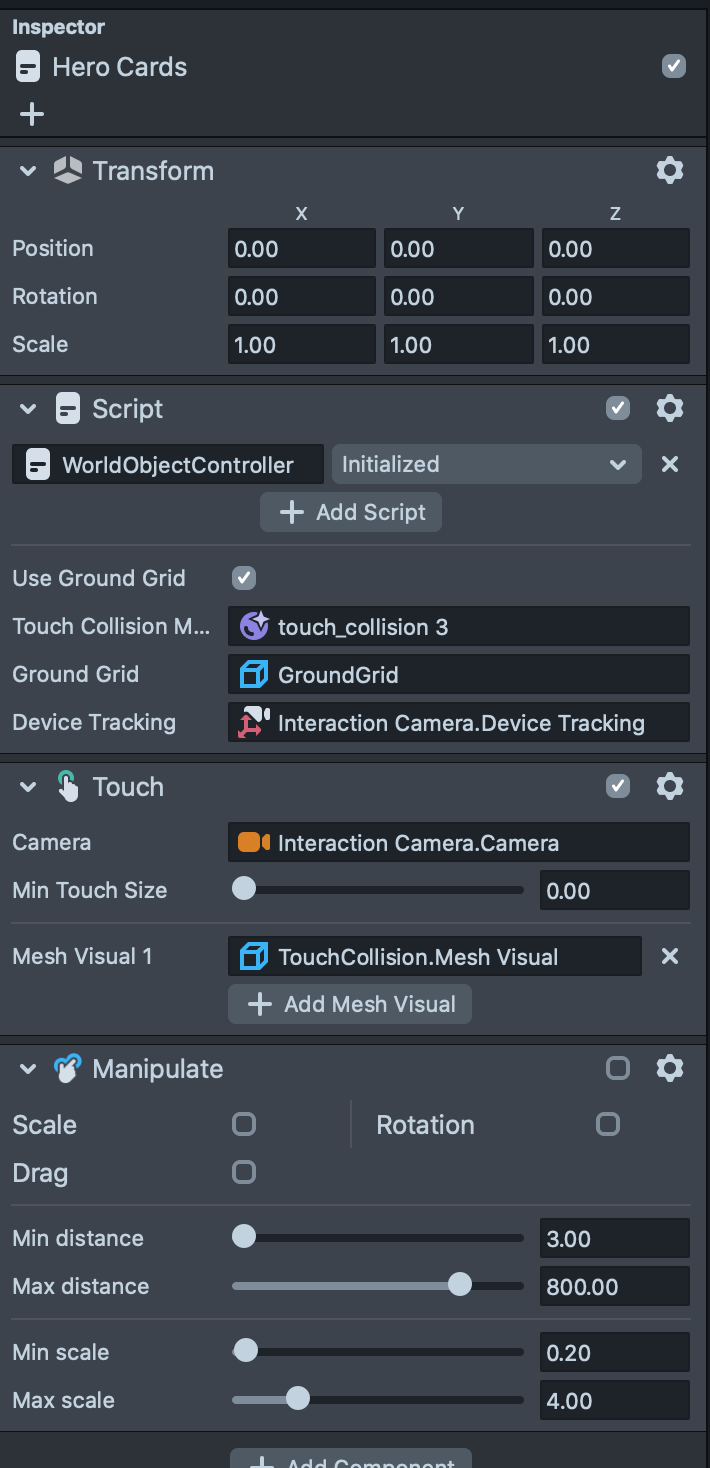
I thought it was related to the Touch Manipulation component, but I turned that off and it's still happening.
Any ideas?

Hey Peter Steiner
Iam not quite sure, but i had the same problem with a 3d model. I just deleted the "Manipulate" and it worked for me.
Cheers,
SirQu3ntin
SOLVED: Snap sent me this script:
By default tapping the screen does reinitialize the surface tracking. You can prevent this by adding a touch blocker:
You can add this script anywhere on a script that runs on Initialized.