Microsoft Teams won't Work

I have been using Snap Camera on Microsoft teams for about three weeks and all of a sudden Snap Camera won't show up on a video input in the Teams app. I really want to use it on the Teams app on my computer but it just doesn't show up. On the web version, I can see it so I know it's not blocked by my school admin. I've reinstalled both apps and restarted my computer. I think after I updated to 1.9 or whatever the recent update is, it stopped working. If anyone can help!

I'll check it out right now if it's your end
Yea on my end it's working just fine make sure to completely remove it from your system snap camera.
use something like to assist you in removing a program
https://www.revouninstaller.com/revo-uninstaller-free-download/
Install Snap Camera after you've completely removed it
if you need anymore help here is a list of questions others asked and has been answered
https://support.lensstudio.snapchat.com/hc/en-us/categories/360003164192-Snap-Camera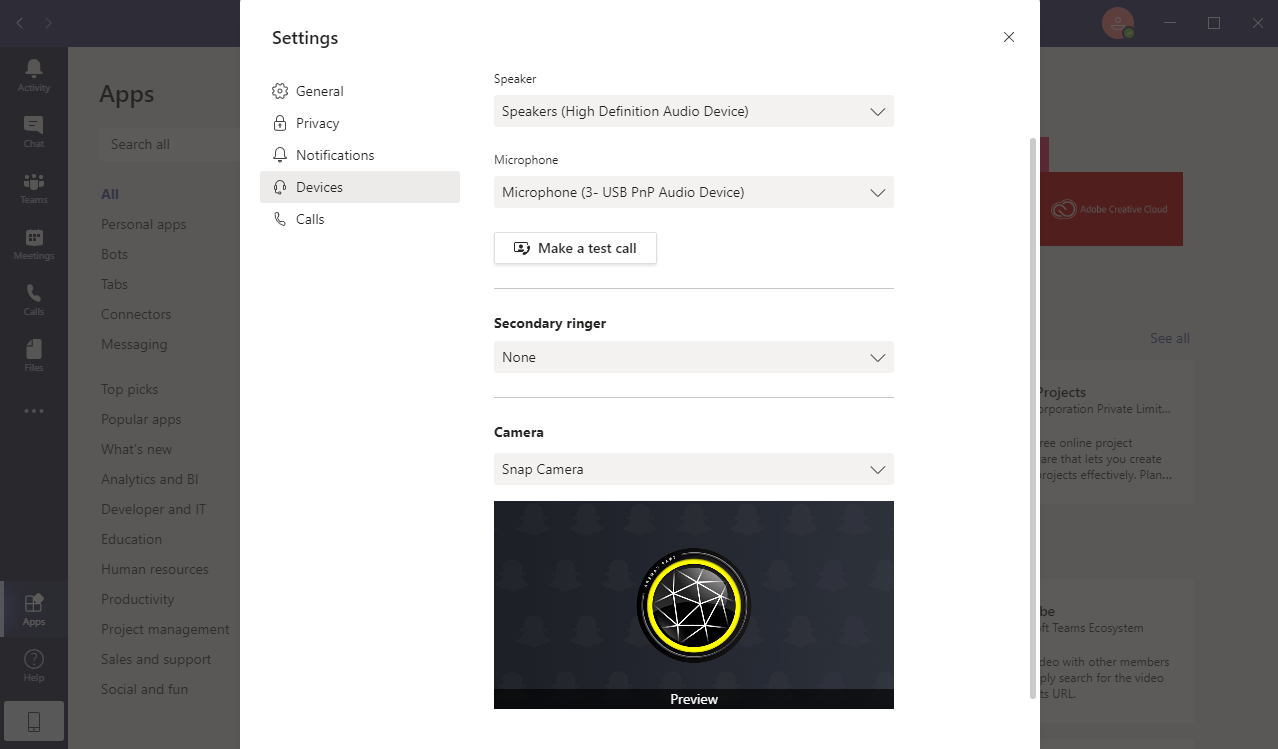
I have the same issue as @Evie Consolla
Your suggestion of reinstalling does not work. I also tried three other devices. Two other laptops and a desktop. Snap Camera works for web based platforms but no longer works for the client based teams app.
Confirmed this with several other coworkers as well that their clients dont work any longe either. Sounds like a fix.patch is needed for snap camera.