Wrongly Rejected Lens

Hi there,
Yesterday, while going through my emails, I recieved a spam of emails saying that some of my most POPULAR lenses were rejected for irrelevant context. This rejection continued overnight and I am sensing a direct attack at my work that I have dedicated my time and effort into. I need urgent help please because many of my lenses are getting rejected.
Thank you!
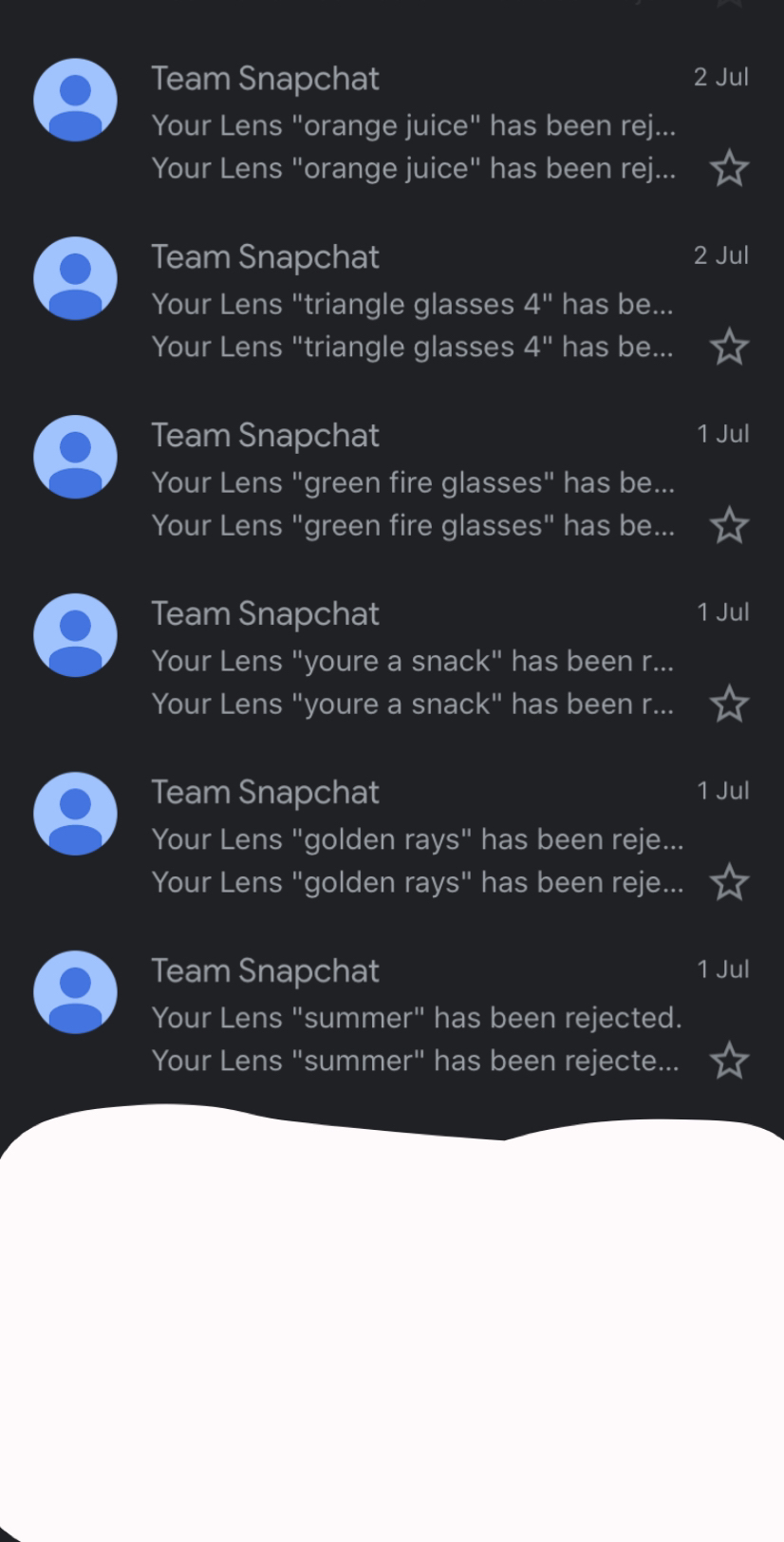
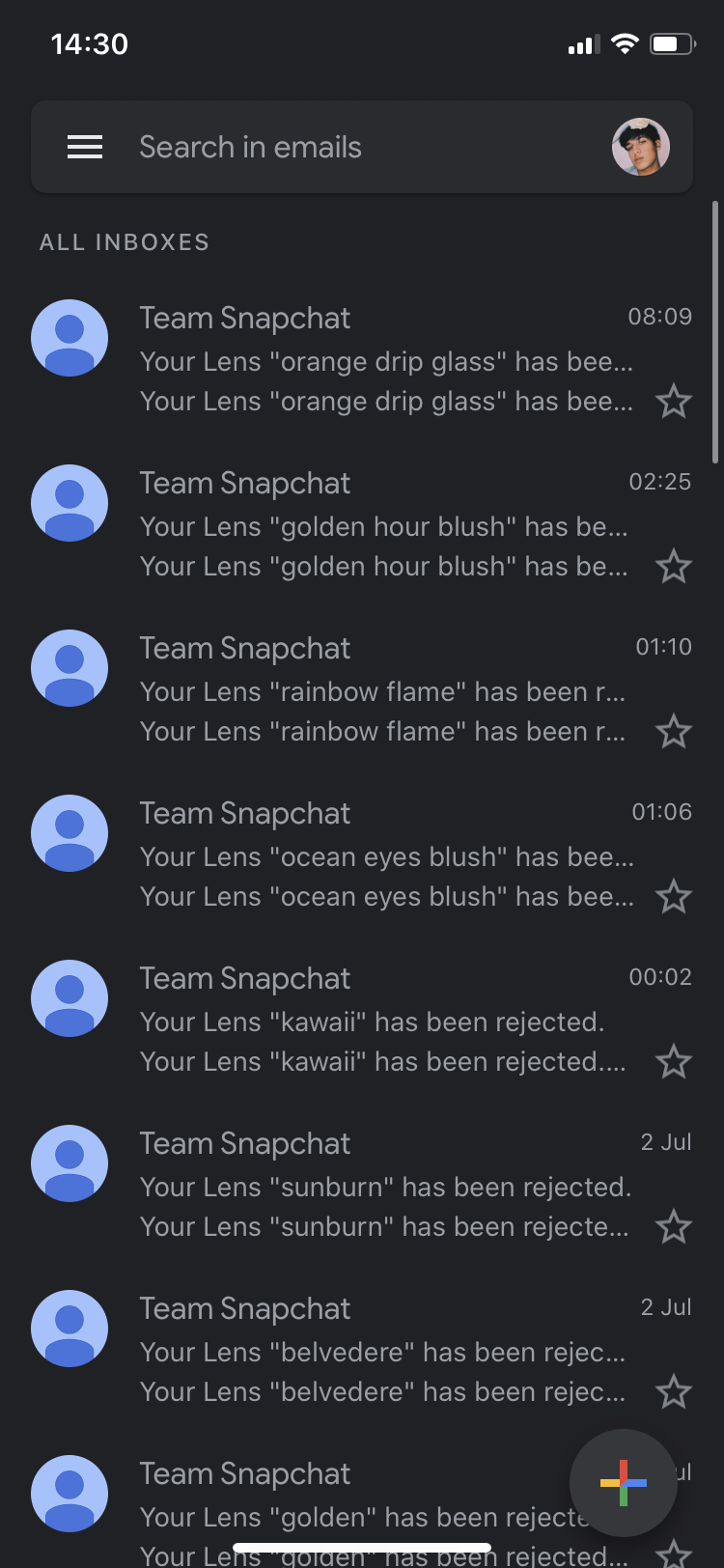
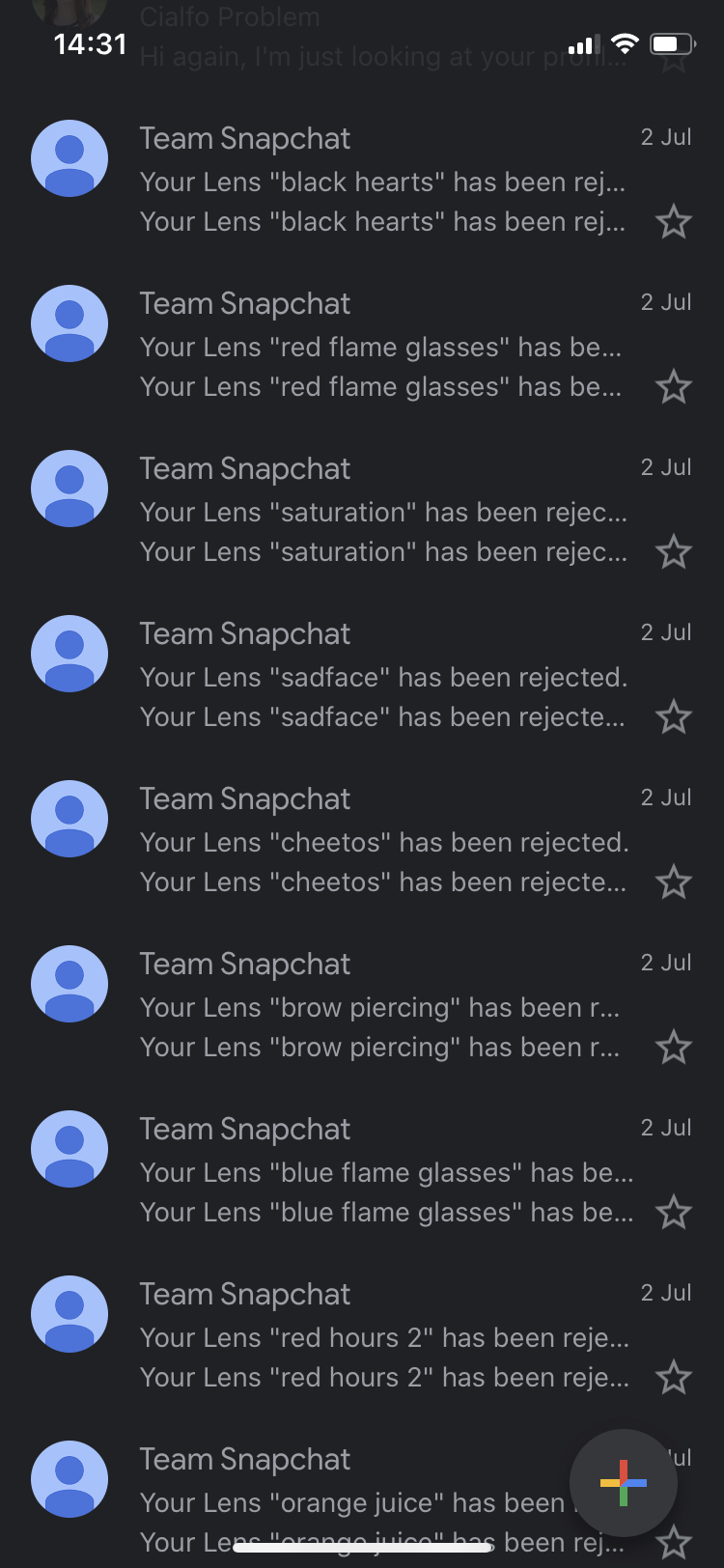
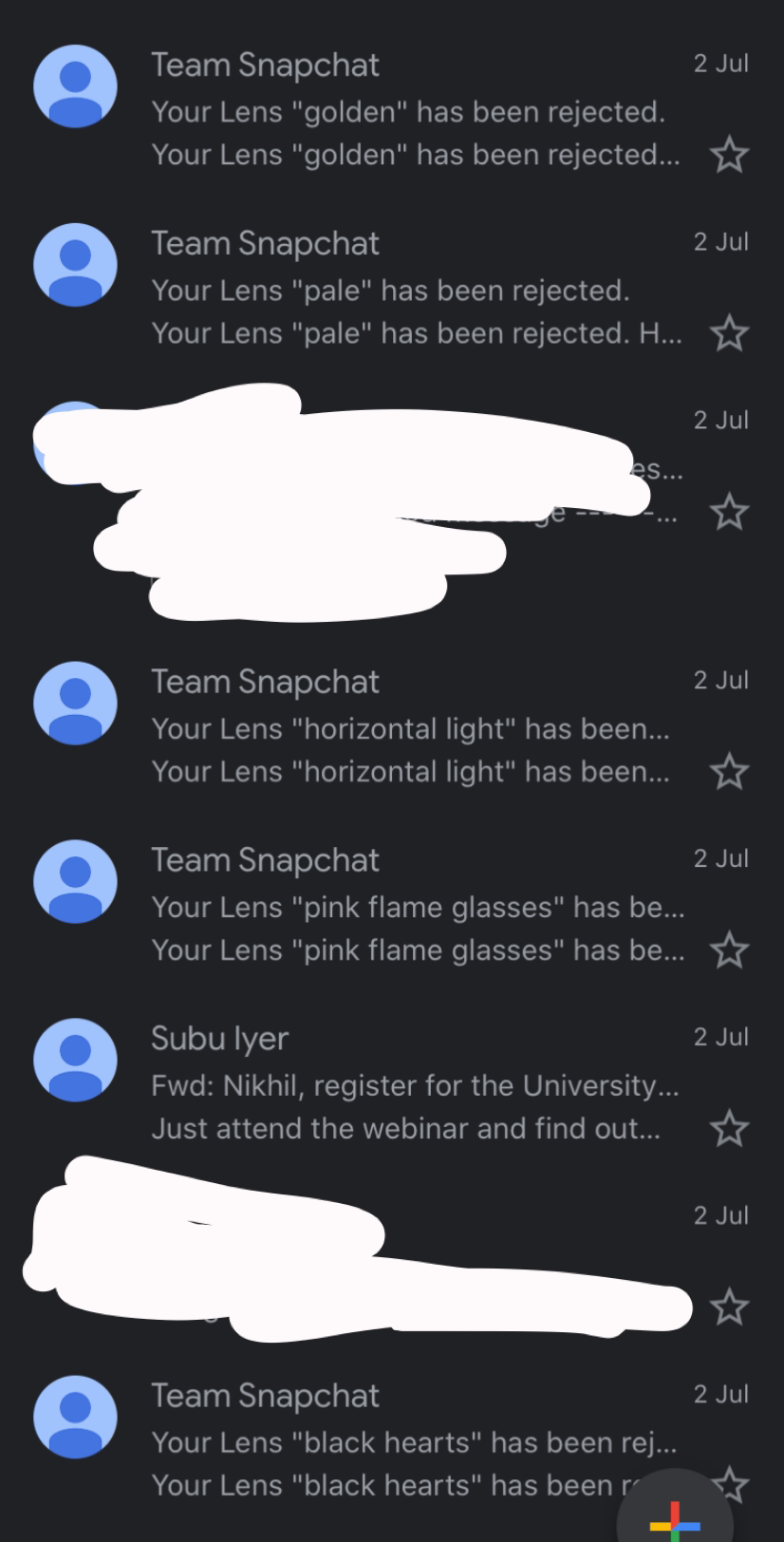

Yoo nik it's Quinn.
That's a lot of lenses that are rejected that seems a bit excessive. Could you attach some of the rejection reasons within your My Lenses tab? I feel like that could provide a bit more information.
something like this? "ctrl + print screen" on windows, "command + shift + 3" on a mac
Thanks, Quinn :)
Hey Quinn,
Here are the two reasons why my lenses got rejected. One of them has no clear context or reasoning. And the other, gives the reasoning but it does not correlate with the lens at all.
Hi,
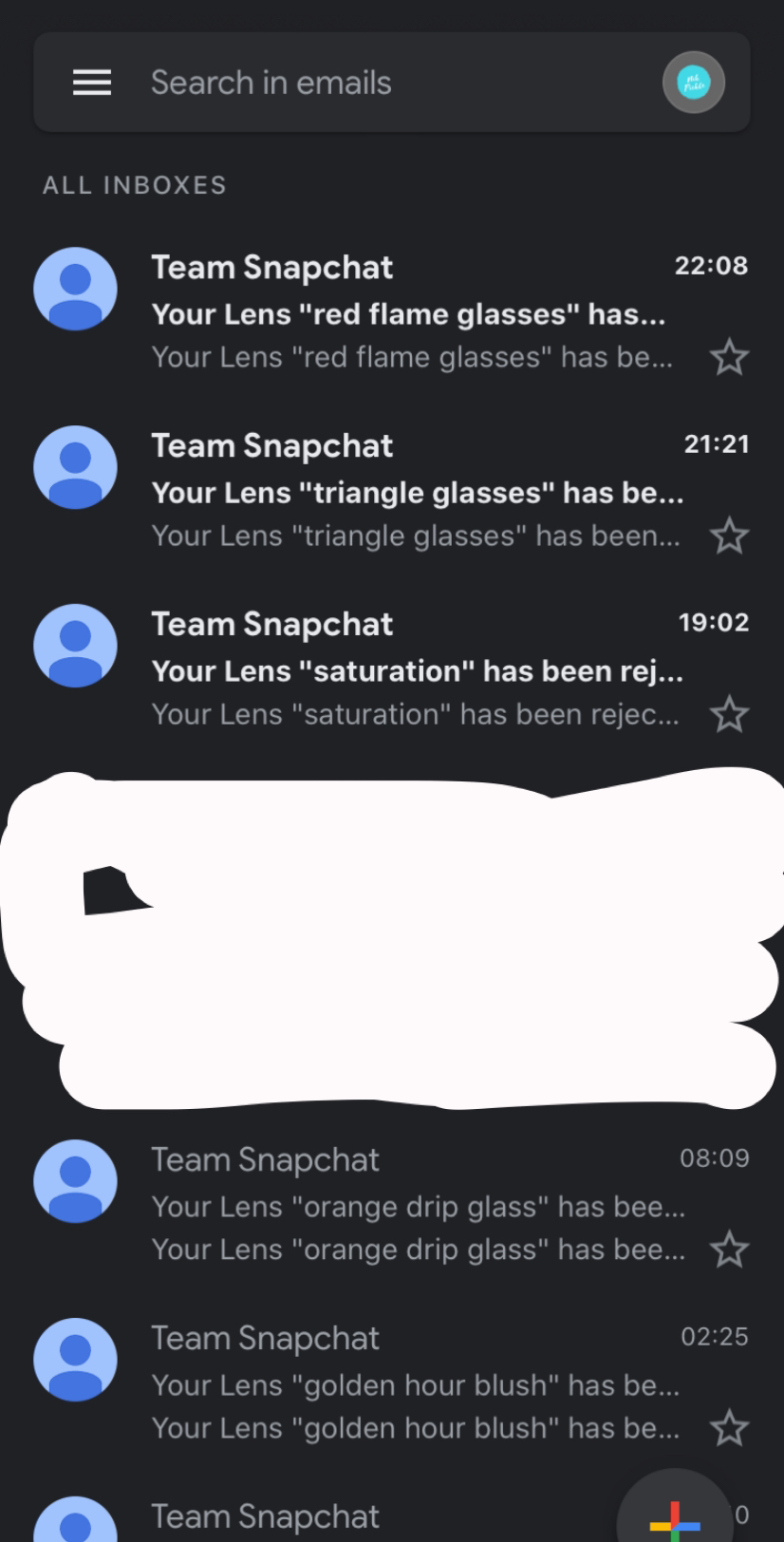
Another update, 3 more of my lenses were rejected but all three were given the same reasoning which does not make sense in my opinion because there were no faults reported or complaints from users.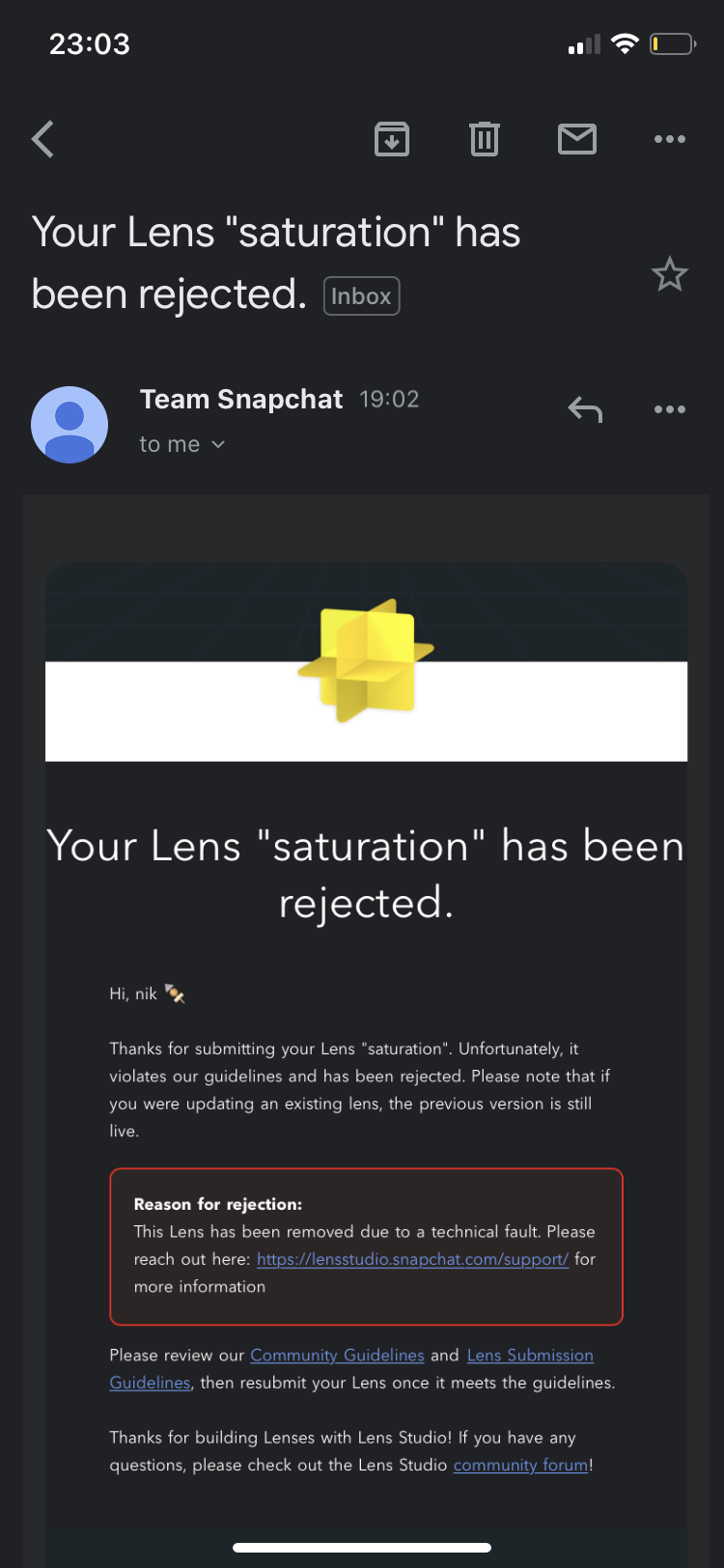
For the technical difficulties, check if there is a texture that is too big? There may be a texture or a mesh that is too detailed, and is causing your lens to lose FPS or be too big for Snapchat to process.
As for the community guidelines, I'm not sure what it could be, and I am reading through them now to see. However, I did notice that your username is "nik 🔪" I assume Snapchat uses an AI program to sift through lenses and flag the ones that don't follow their terms of service. Since so many of your lenses are being flagged for the same reason, and all of them wrongly so, it may just be because the bot is picking up the knife from your creator profile that is attached with the lens, and since that is against the community guidelines ("May incite or glorify violence or the use of weapons."), it just automatically tags your filter as inappropriate. Try changing that knife emoji and resubmitting your lenses.
-Quinn
Edit: Added second paragraph and signage
Edit 2: Corrected spelling of username
Hi Quinn,
I'm think there isn't any technical problem with any of my reported lenses and the fact that 28 of my lenses were rejected within the past 2 days for unusual reasoning seems like a direct attack at me, in my opinion. Thank you so much though for trying to find conclusions to these rejections. I really appreciate it man!
Another update,
Last night, I was logged out of my snapchat account and reported for inappropriate behaviour which was completely absurd in my opinion. Furthermore, today, more of my lenses were reported for the same issue as above with "technical faults". I would really like to get this issue sorted and return to making lenses as soon as possible because I genuinely enjoy making them and I want users to share the same enjoyment as me. Please help me get back my lenses!
Update on the situation,
Someone has come forward saying that they have been reporting my lenses along with other lens creators ones because they kept appearing on the trending/for you page. I have screenshotted our chats and I am appalled by her intention behind getting my lenses rejected. This user is named Mara but there is another account which seems to be highly related, called Jasmine. Please help me return my lenses!
Hey nikhilodeon12,
I'm going to open a ticket for you so we can get this looked at. Please copy down the Lens IDs for all the affected Lenses and keep an eye on your e-mail from Zendesk.
Cheers,
Vincent