Blend node dropdown is missing?

The docs say there should be a dropdown to change the blend mode but I don't see one in the material editor. I've clicked on everything and tried several combinations of modifier keys and click to no avail. Is this bugged? How can I change the blend mode?
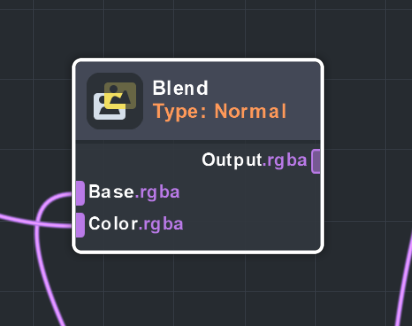
https://lensstudio.snapchat.com/material-editor-2-3/nodes/functions/util/node_math_blend/

There should be a panel you can drag out to edit parameters of nodes. It's on the right in the material editor window, the box is small when it's closed but you have to drag that to the left. It is not the inspector panel.
Video grabbing it: https://gyazo.com/ddcb1e3daefb3973610f2882d9378b07
It's pretty hard to grab, kinda have to be on the edge but slightly inside the material editor window.
Thanks Brandon! I did find it eventually but the UI doesn't give you any way to discover it and it was closed by default.