How to put Procedural Texture Script onto the Material Editor?

Hi all! I really enjoyed watching the recent Snap Lens Studio intermediate class where Amir Alvavi was working on Procedural Textures through the script!
I have a Procedural Texture ready to put inside the Material Editor, but I wasn't sure which node, or how to set up the node for the Procedural Texture inside the Material Editor.
My assumption is that one would use the Texture 2D Parameter node and reference the script name below. I'm wondering if that's the correct approach!

Best,

hi Francis Chen
actually its correct what you did you just need no link the material with something on the screen to see the result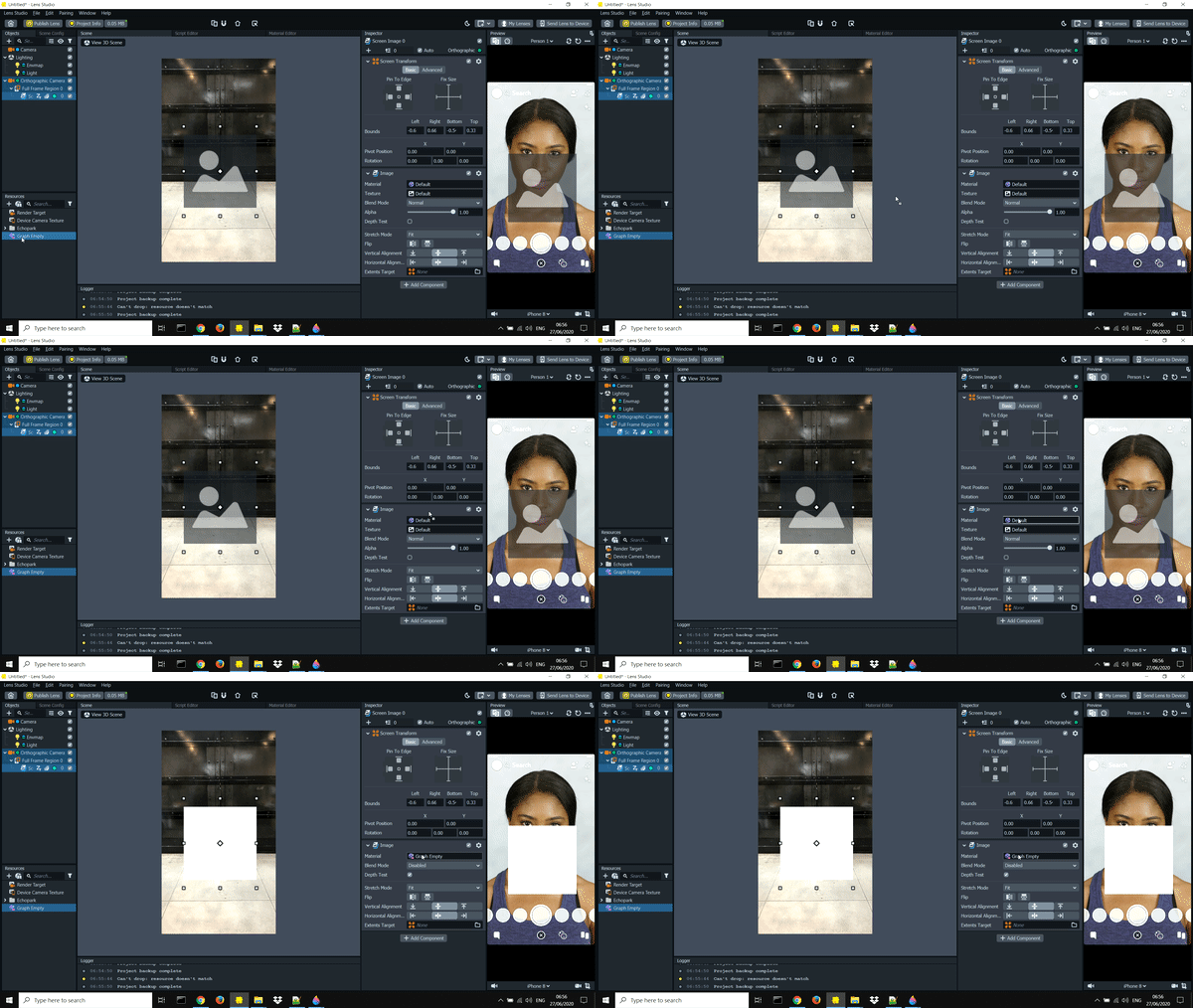
and chose the texture u like
if you need any help just ask
cheers
Hi Kanz, thank you for your response.
I'm writing a texture procedural from scratch, which means I am not using a Texture JPEG file as indicated on your GIF. I'm using an actual Javascript script. I'm wondering if @... has a different perspective!
Best,