Blocky Textures

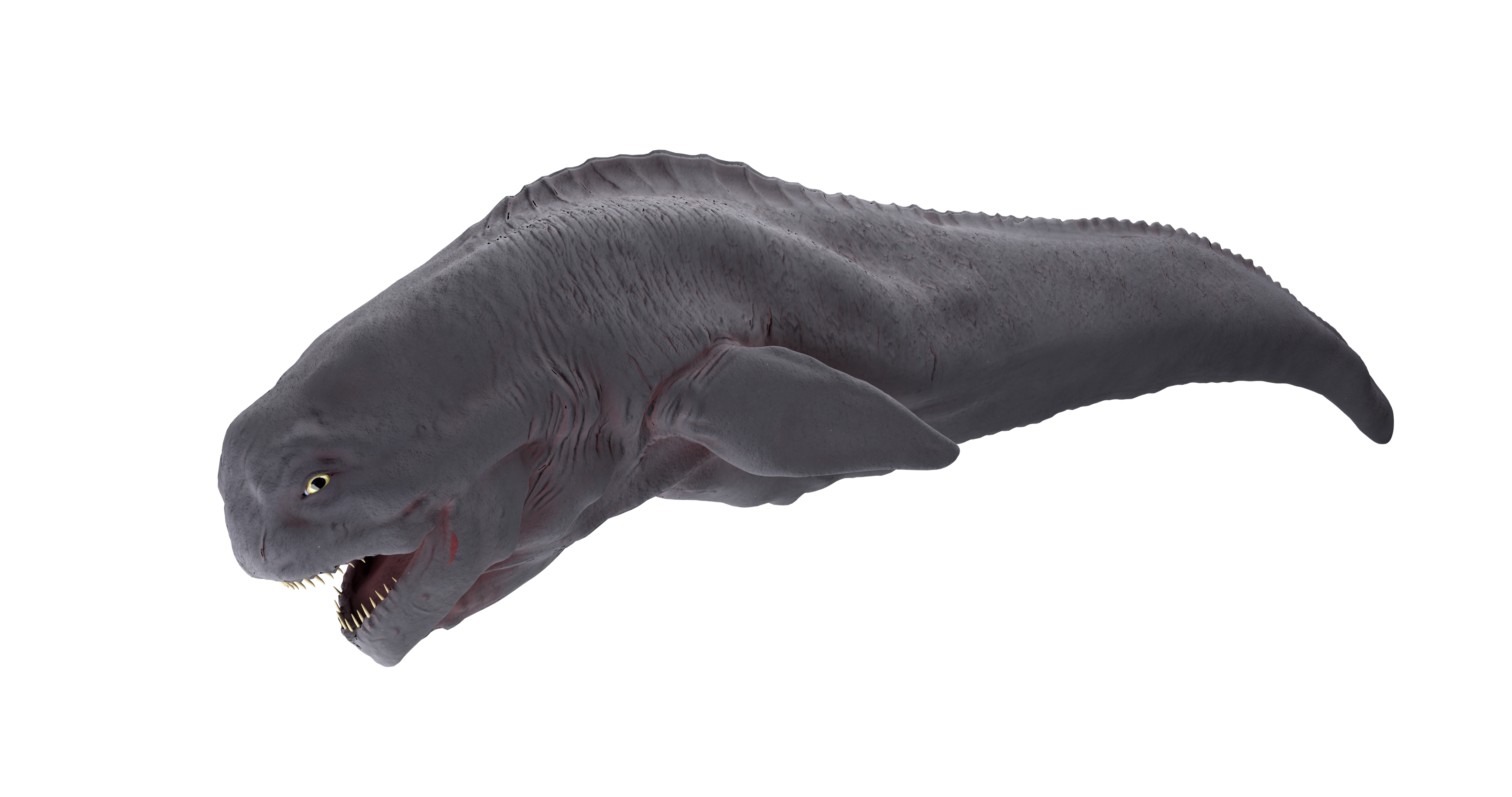
I want to import some detailed models into snapchat to make AR filters I have imported a model in two parts and textured it in substance painter using the lens studio shelf. The problem is as you can see from the attached screenshots is that the texture maps and normal maps appear very blocky inside lens studio and snapchat. Is there any way I can increase the resolution of the pbr material? I'd be very grateful for any assistance. Ive also attached an example of how the the model looks in maya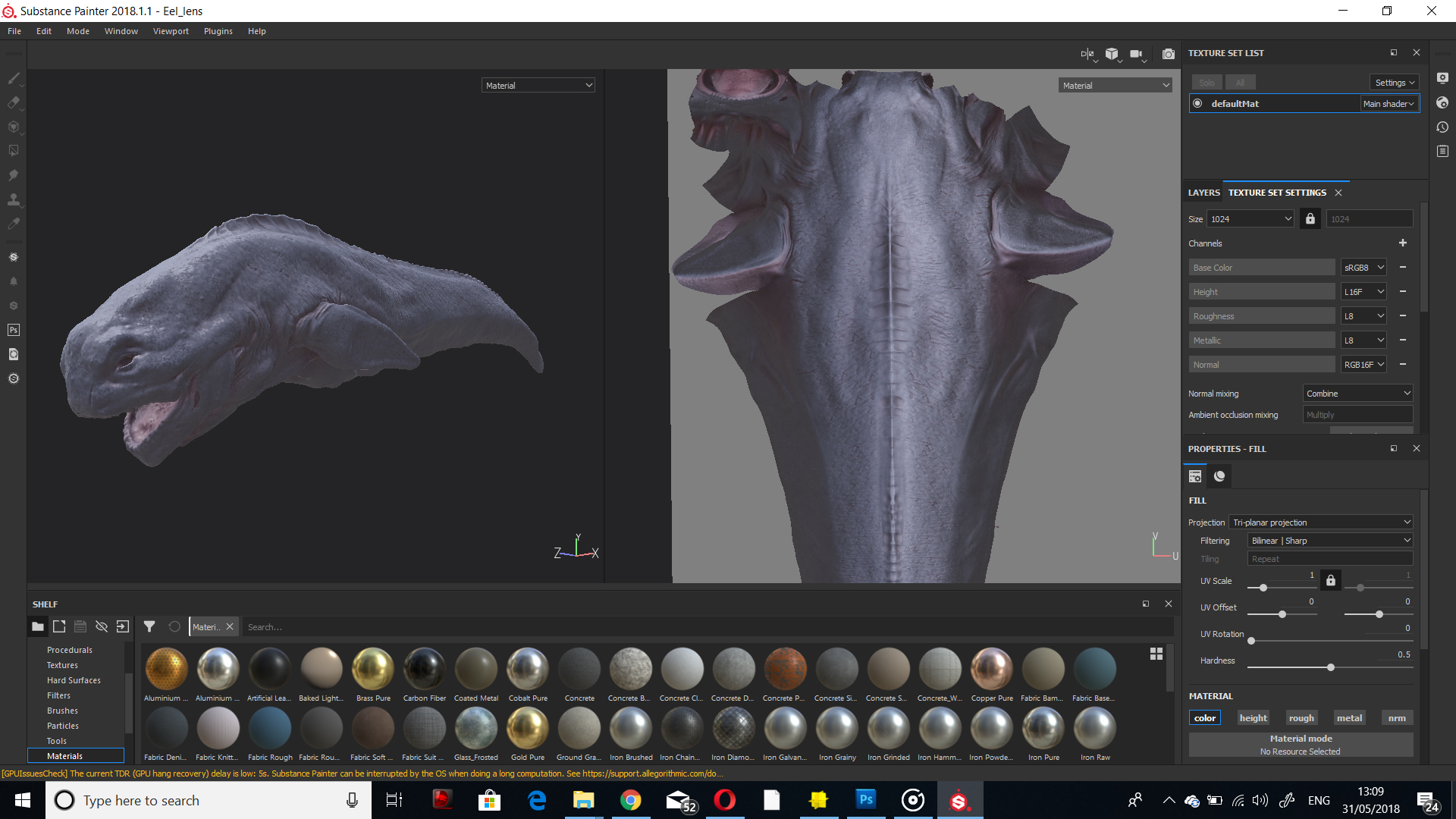


Hi Emeka,
this might be completely off but one thing I noticed is that in the LensStudio PBR Inspector window, all texture names start with "lowpoly". Are you linking the correct textures?
Cheers,
Luka
Hi Luka I figured it out it, was an issue with the normals, thanks for your suggestions.
Glad you fixed it. Don't forget to share your lens once it's done. I'd love to take some snaps with it, looks epic!
Cheers,
Luka
That texture looks amazing!