Lens AR message and modification

Hello lens creators
Today we have a simple explanation of his lens (AR message)
First of all, I will make a model of the lens that I modified myself
https://drive.google.com/drive/folders/1jKlwnGpjRe5hFKvouY_bIeZrZnW0ZGRm?usp=sharing
1- First, we will enter the lens

2- Go to the Letters folder و Click on any letter
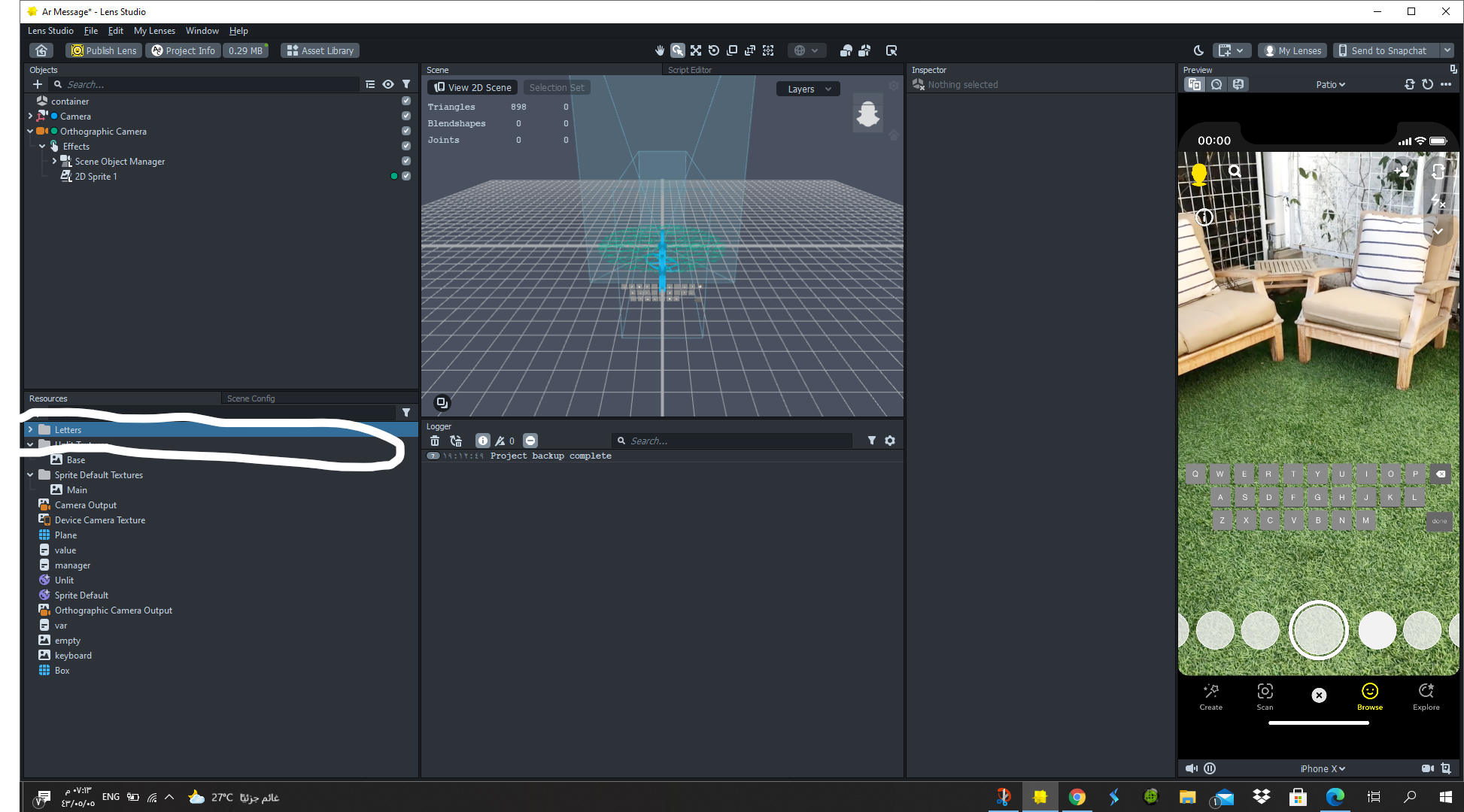

The next step is to choose the image of the character that you have modified
3-Click on the Change Texture tab

After that, you can add any image you want
Thanks everyone, I hope the explanation is clear
