How to disable ALL Animation Layers when you turn on the Lens?

So I made some animations and added them to Lens Studio. I already made them appear one by one after I tap on my screen. The only problem I have is this: I enable the Lens and I see all the models on my screen, I don't want that, here is a preview: 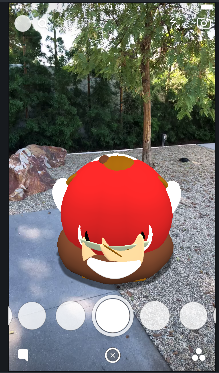
When I tap again they are gone and my Transparent Layer is activated: 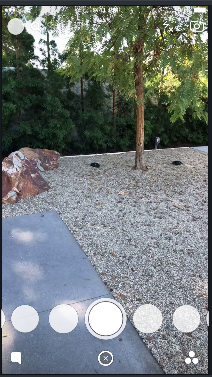
How do I disable them all when I turn on the Lens?
Thanks!

Hi Julien, it sounds like you want to disable all object when you start the lens. Here's some code to do that. You can then use the same for loop to reenable all of the objects when you want to start using them.